Organized turns, a better experience for your customers
Organize customer registration and ticket issuing, and choose to call turns on a waiting-room screen or directly on the customer's mobile via WhatsApp and SMS.
Through the receptionist or using a self-service kiosk.
2
Ticket issuing
The customer receives a ticket carrying their turn number.
3
Following the turn & calling
On the waiting screen, or through WhatsApp and SMS updates on their mobile.
4
Heading to the service
When their number is called, the customer goes to receive the service.
Choose the registration and calling method that suits your facility.
REGISTRATION OPTIONS
Register your customers your way
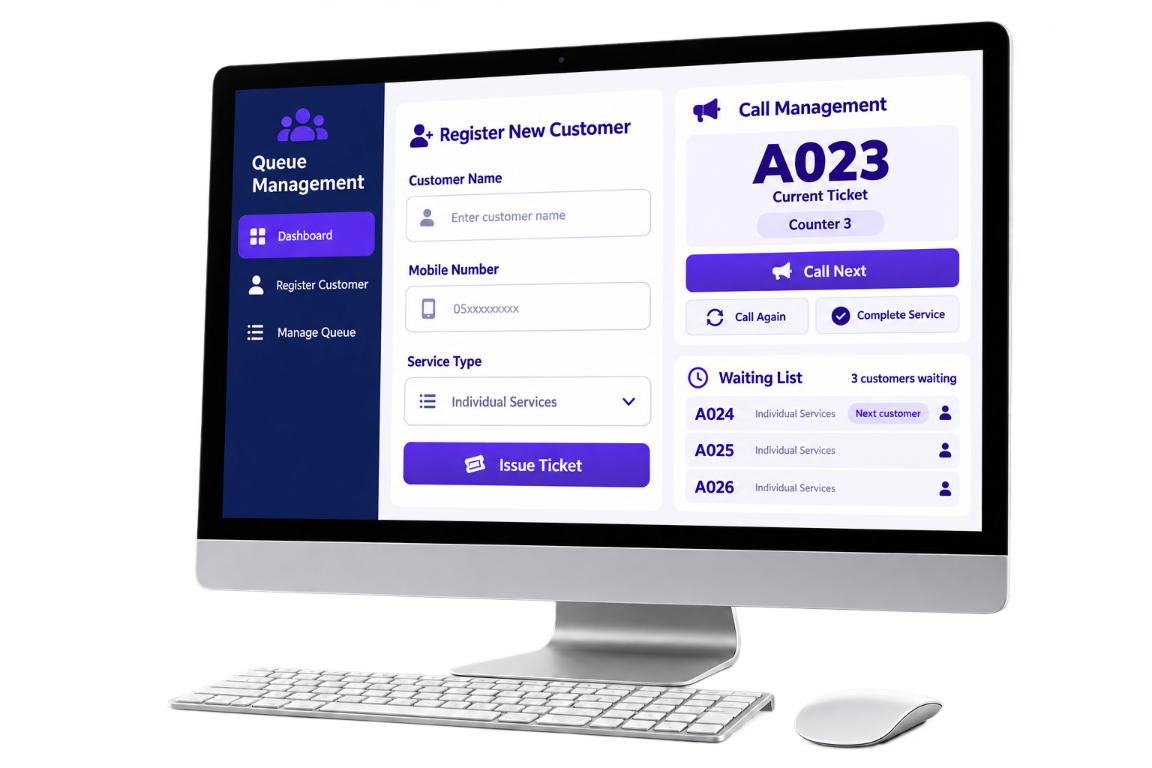
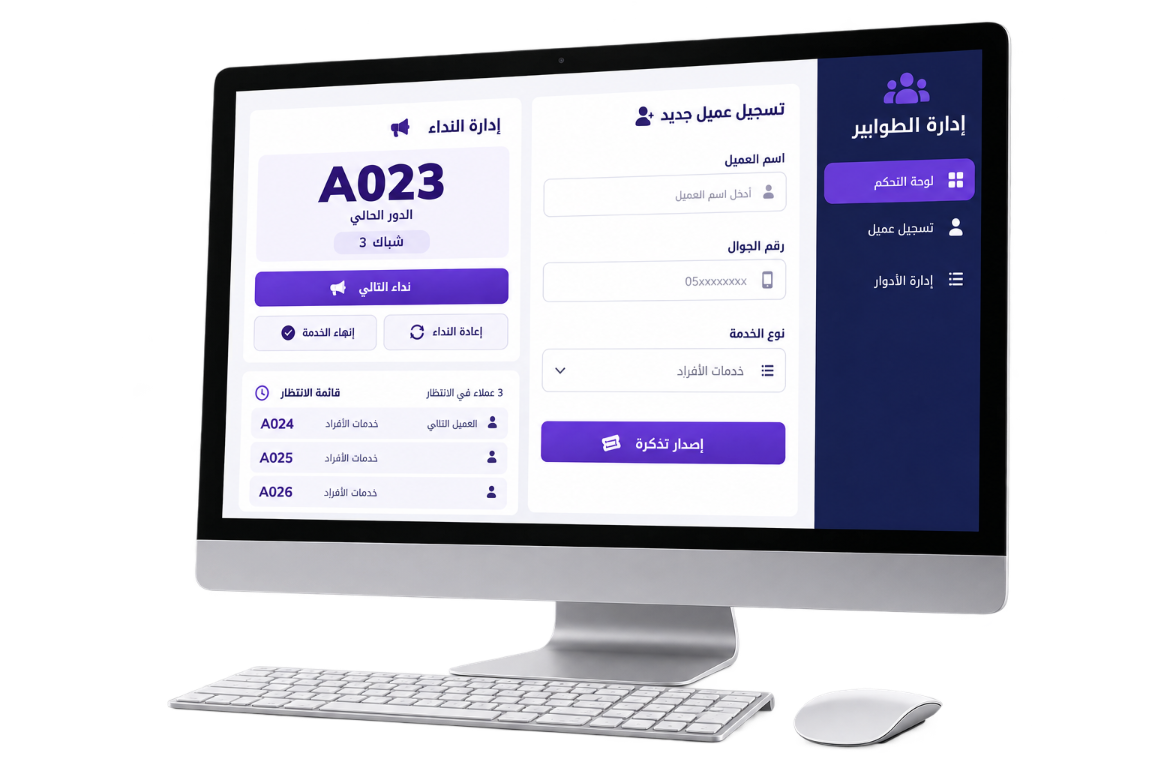
Registration via reception
Start from the computer you already have
The receptionist registers the customer in the system and prints the turn ticket on a thermal printer connected to the computer.
Customer registered by the staff member
Ticket issued with the turn number
Ticket handed to the customer to follow their turn
To register and issue tickets you only need a computer and a thermal printer, with no need for a self-service kiosk.
Self-service registration
Your customer registers by themselves
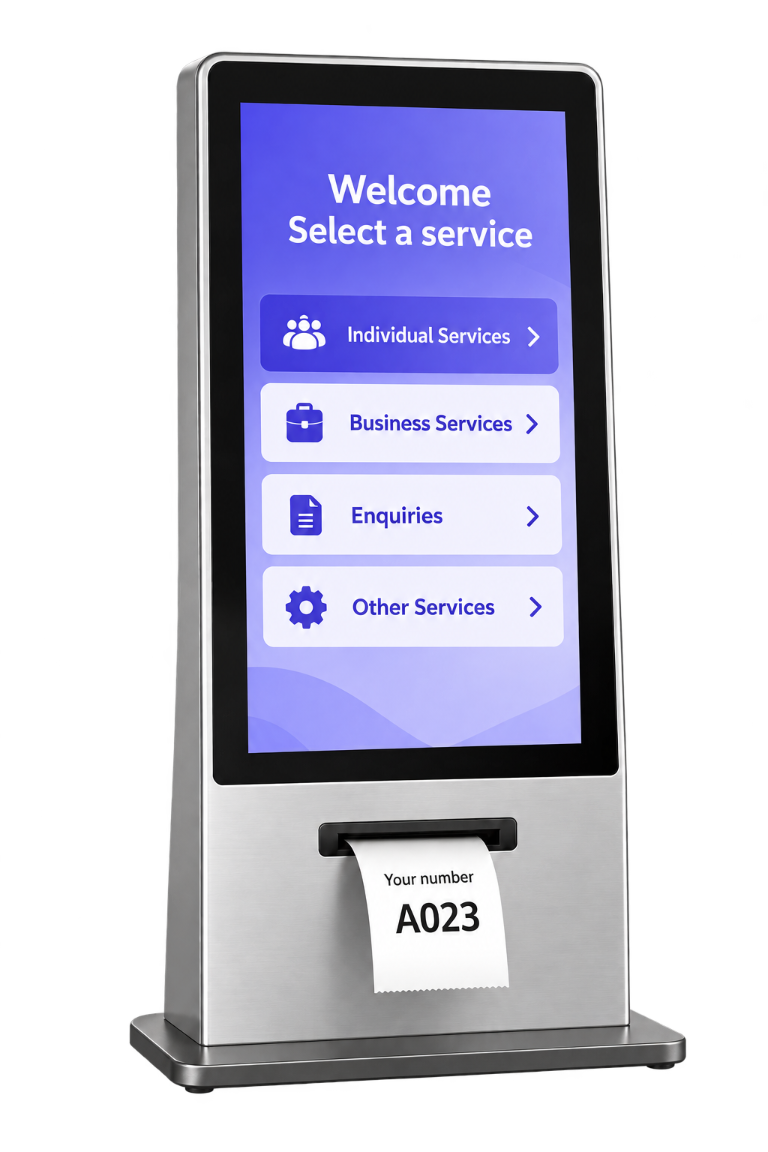
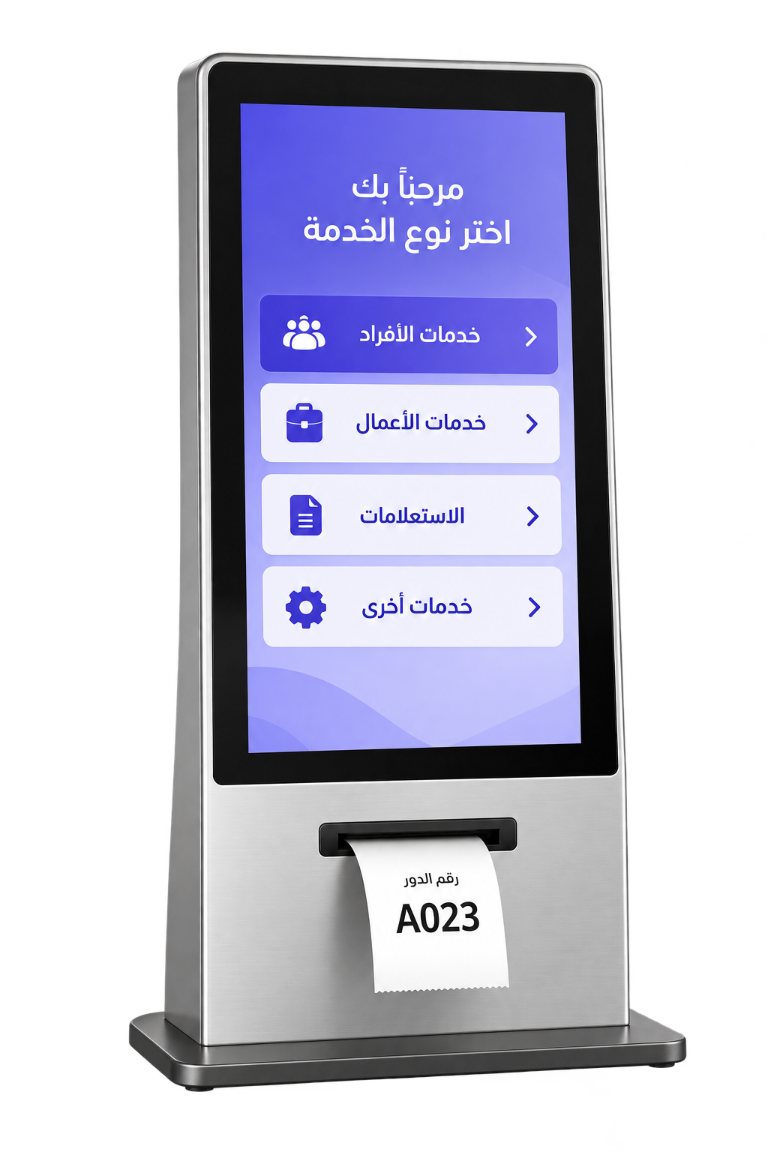
Give your customers a self-service kiosk that lets them register and get turn tickets without going through the receptionist.
Customer registers on the device screen
Ticket issued with the turn number
Less registration workload for the receptionist
The self-service kiosk is an optional extra you can purchase according to your facility's needs.
CALLING & TURN UPDATES
Calling and turn updates
Two ways to call.. choose what suits you best
Via the waiting-room screen
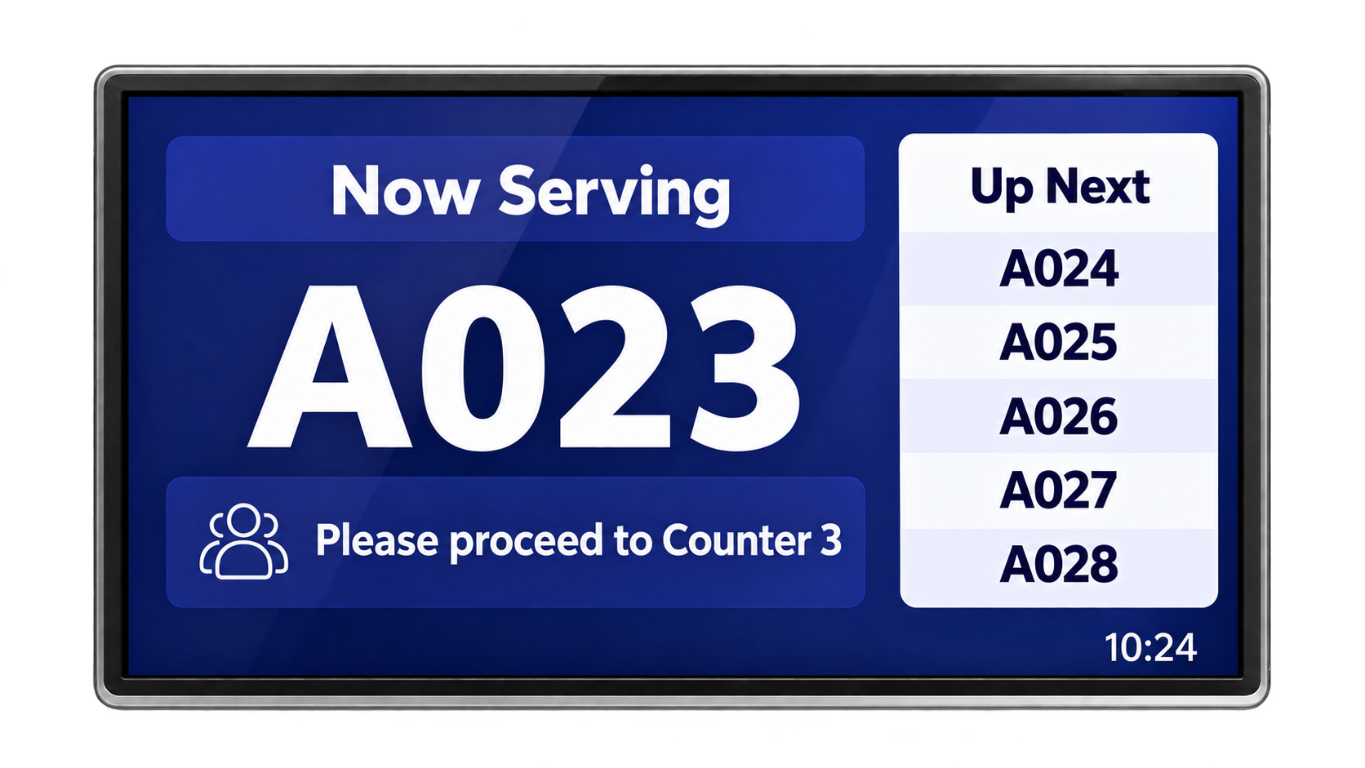
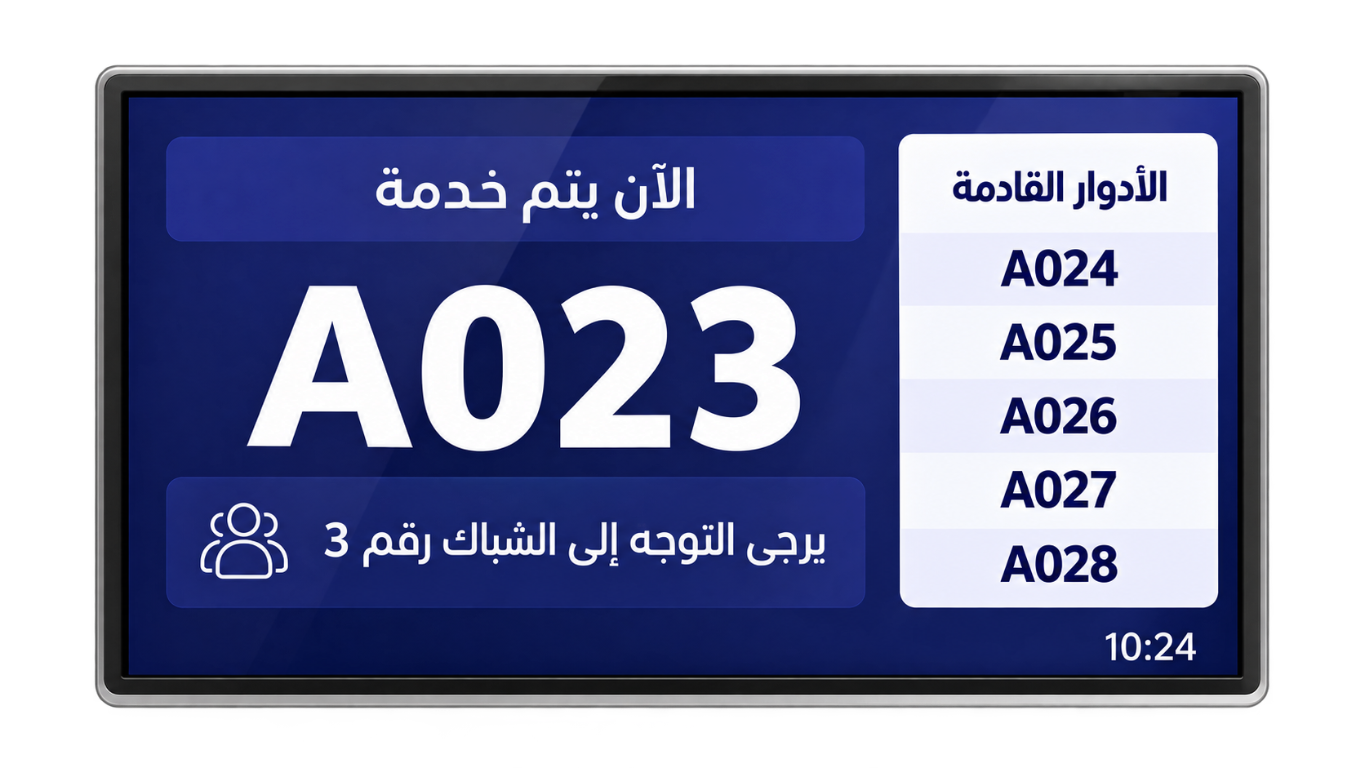
We prepare and configure the screen to show turn numbers and call the next one, so customers know when to head to the service.
Voice announcement of the number with an alert when the turn arrives
Space for ads and promotions while customers wait
Via WhatsApp & SMS
No screen required
Turn updates and call notifications reach the customer's mobile directly via WhatsApp or text messages, so you can run the queue without installing a waiting screen.
WhatsApp
Ticket registered
Hello Ahmed, your ticket number is GN-001 for Nursing. We will notify you when your turn is near.
Almost your turn
Hello Ahmed, you are next in Nursing (ticket GN-001). Please head to the waiting area now.
Ticket called
Hello Ahmed, please head now to Room 3, where ticket GN-001 is being called.
SMS
Hello Ahmed, your ticket number is GN-001. Follow your turn live via this link: [tracking link]
Illustrative example
Capabilities that support your daily operations
From customer privacy to clinic workflows and permissions.
Customer privacy
Names and IDs are partially masked on public screens to protect customer data.
Arabic & English
The screen language alternates automatically between Arabic and English so every visitor can read it.
Voice announcements
The system announces the number and destination aloud after a chime, with controls for enabling and volume.
Clinic and vital-signs workflow
Nursing checks vital signs before the doctor, or a fast path straight to clinics that do not require it.
On-screen promotions
A news ticker and a rotating image carousel next to the queue numbers.
Users & permissions
Invite staff and manage clinics and departments with role-based permissions, across multiple facilities.
Try the system yourself
See how the waiting experience works: explore an interactive demo that simulates the system's devices and screens, and learn about turn organization and calling.
To start from reception you only need a computer and a thermal printer. A waiting screen and a self-service kiosk are optional extras based on your needs.
Can customers be notified without a waiting screen?
Yes. Turn updates and call notifications reach the customer's mobile via WhatsApp or SMS without installing a screen.
Is it suitable for clinics and medical centers?
Yes. It supports clinic workflows including vital-signs checks and routing to doctors, and it complements Codelines Care for in-clinic care.
How do I get pricing?
Contact us to choose the right setup for your facility and we will send you a quote.